> For the complete documentation index, see [llms.txt](https://docs.kognitos.com/llms.txt). Markdown versions of documentation pages are available by appending `.md` to page URLs; this page is available as [Markdown](https://docs.kognitos.com/guides/getting-started/onboarding.md).
# Onboarding
Get started by creating and setting up your Kognitos account.
## Overview
Welcome! In just a few minutes, you'll have your Kognitos account ready to go. This guide will walk you through account creation, organization setup, and initial workspace creation.
## 1. Account Creation
You'll first need to create a Kognitos account to get started.
{% stepper %}
{% step %}
**Getting Started**
Navigate to [**app.us-1.kognitos.com**](https://app.us-1.kognitos.com/) to sign up.
{% endstep %}
{% step %}
**Sign Up**
Choose how you'd like to sign up:
Email
Click **Sign up here**, enter your email address, and click Continue.
Google Account
Click **Continue with Google** and sign in with your Google credentials.
Microsoft Account
Click **Continue with Microsoft Account** and sign in with your Microsoft credentials.
{% endstep %}
{% step %}
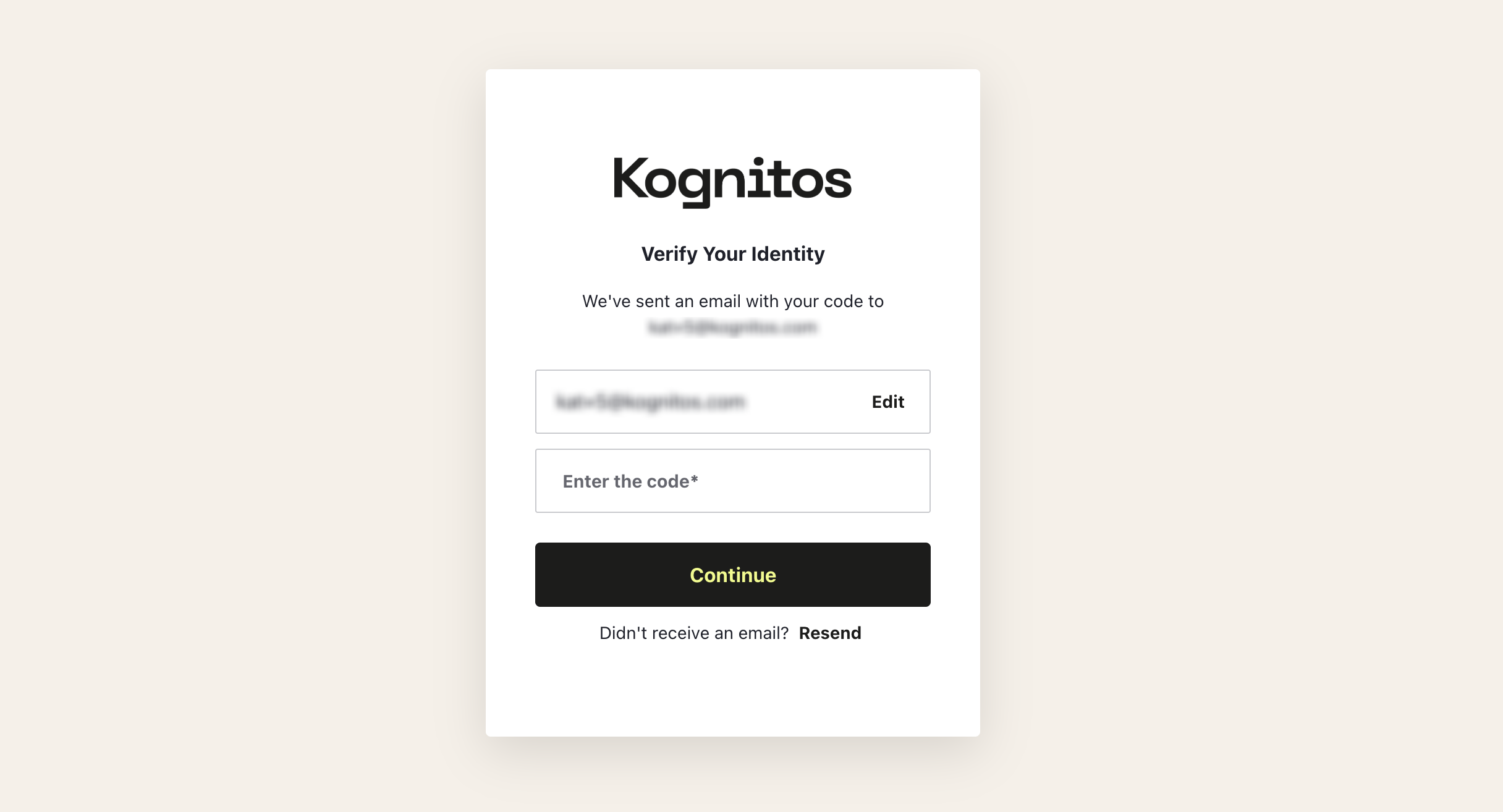
**Verify Your Identity**
Check your inbox for an email from **Kognitos** with the subject line *"Login to Kognitos"*. The email will contain a **6-digit verification code**. Copy the code and enter it into Kognitos, then click Continue.
{% hint style="warning" %}
**Didn't get the verification code?** Check your spam folder or click **Resend** after 60 seconds.
{% endhint %}
{% endstep %}
{% step %}
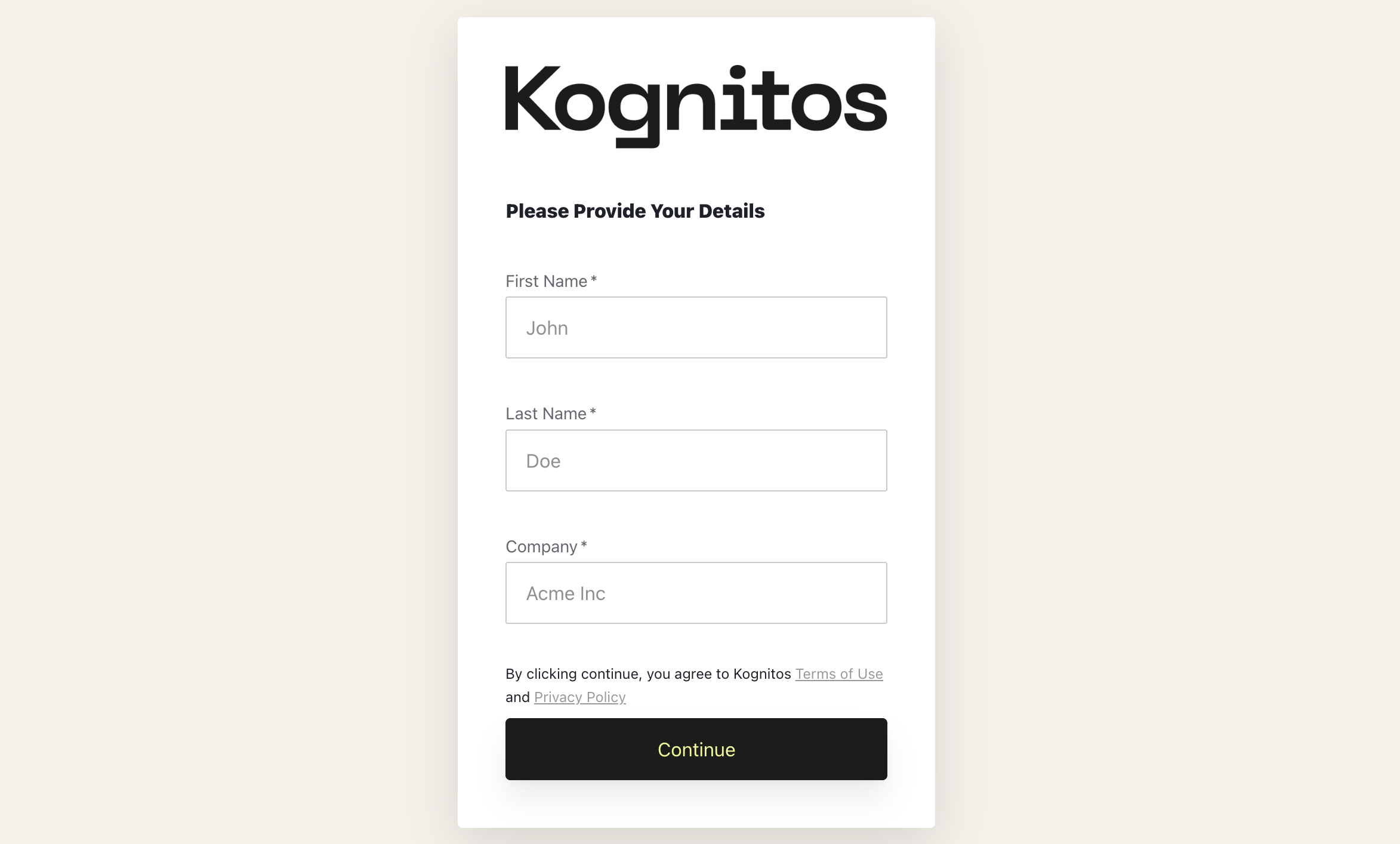
**Profile Setup**
Once you've verified your identity, you need to set up your profile. Enter your **First Name**, **Last Name**, and **Company**. Then, click Continue.
{% endstep %}
{% endstepper %}
You’ll then be logged into Kognitos and guided through setting up your organization and initial workspace.
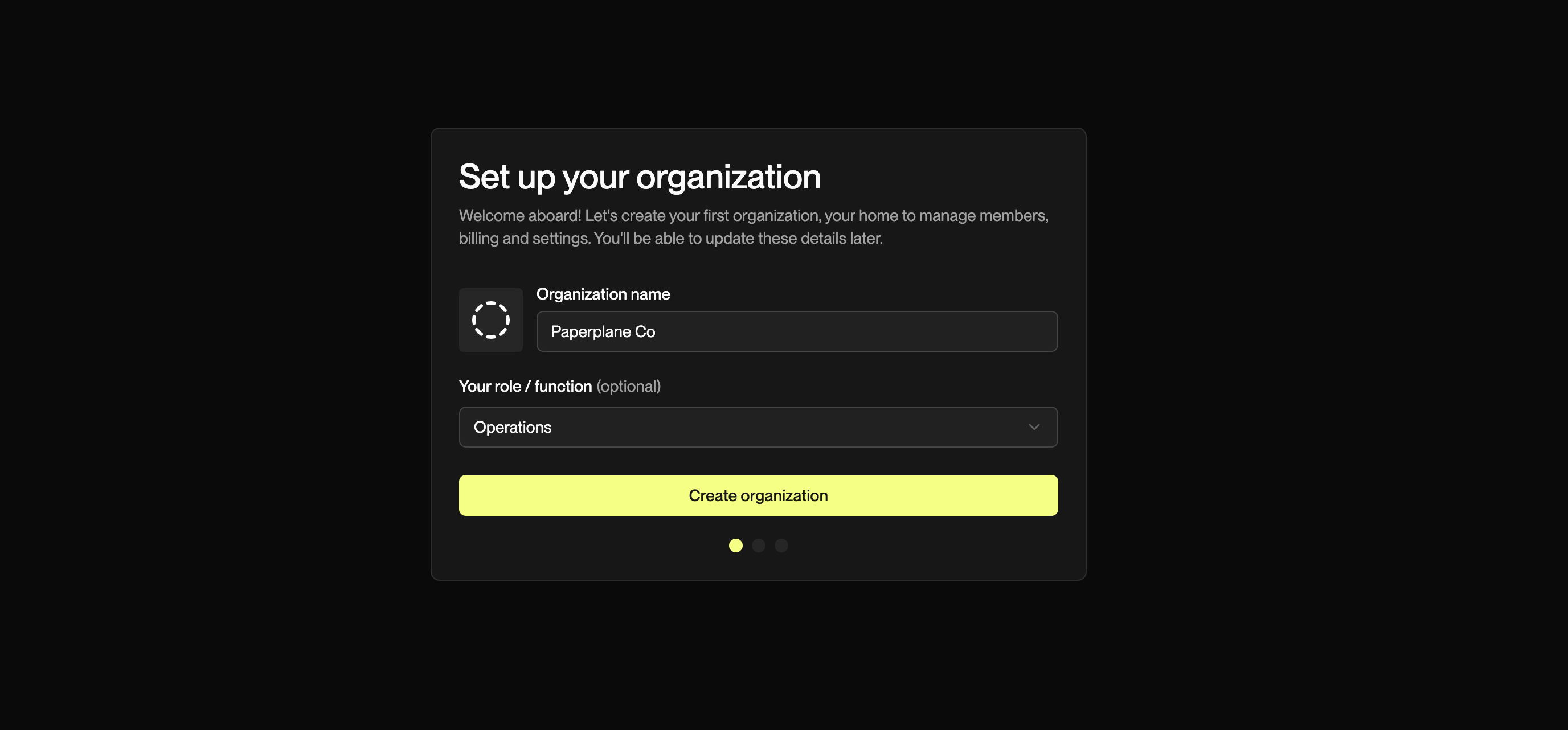
## 2. Organization Setup
Set up your organization to manage users and shared resources. Enter your **Organization name** and your **Role** in that organization *(optional).* Then, click Create organization .
{% hint style="info" %}
An **organization** is your company or team's home on Kognitos. Every user must belong to one. Organizations allow you to manage members, billing, and settings in one place.
{% endhint %}
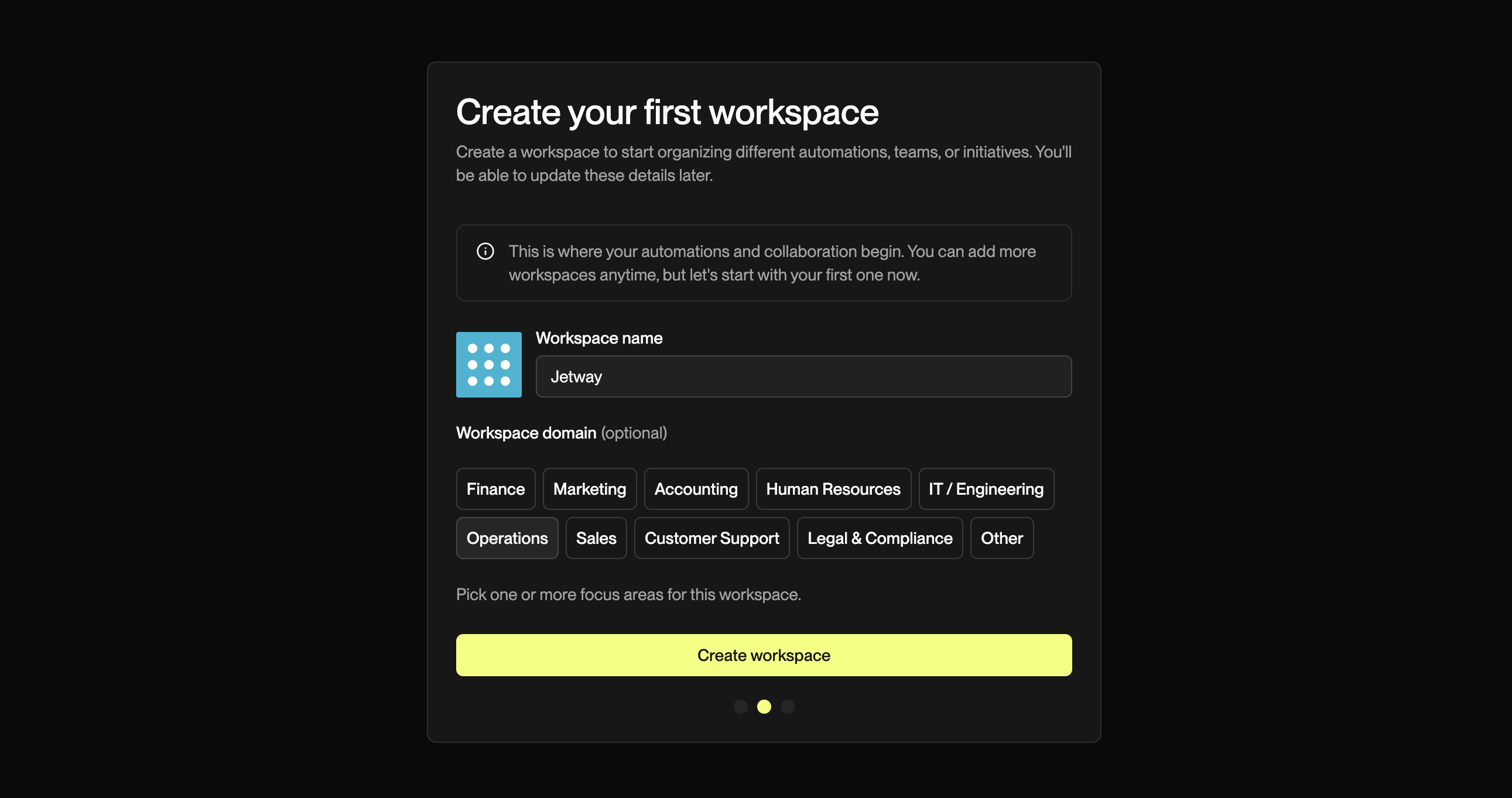
## 3. Workspace Setup
Create a **workspace** where you’ll build and run automations. Enter a **workspace name** and **workspace domain** *(optional)*. Then, click Create workspace.
{% hint style="info" %}
A **workspace** is a dedicated section within an organization where your automation projects live. You can create multiple workspaces later to organize different processes, teams, or initiatives.
{% endhint %}
## 4. Tell Us What Matters
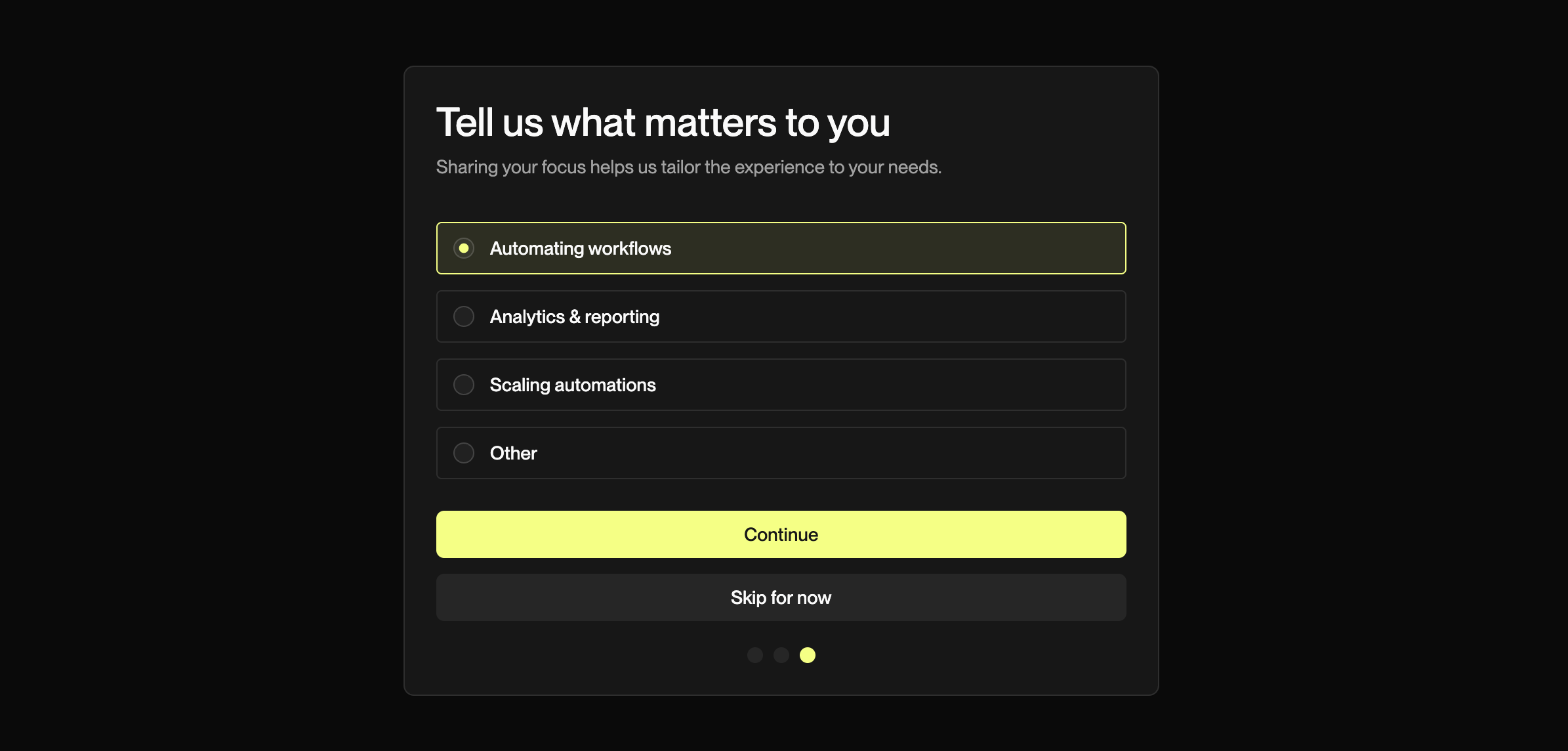
Tell us what matters to you to better tailor your experience. Select your focus, then click Continue.
{% hint style="success" %}
This step is **optional** — click Skip for now to continue without sharing.
{% endhint %}
## Ready to Automate?
Your account is ready! Head to the [**Quick Start**](/guides/getting-started/quick-start.md) guide to create your first draft or explore the [**Fundamentals**](/guides/getting-started/fundamentals.md) page to learn more about how Kognitos works.