> For the complete documentation index, see [llms.txt](https://docs.kognitos.com/llms.txt). Markdown versions of documentation pages are available by appending `.md` to page URLs; this page is available as [Markdown](https://docs.kognitos.com/legacy/legacy-experience/writing-automations/validating-data.md).
# Validating Data
Learn how to validate data in your automations.
## Overview
Data validation ensures that a process’ data is appropriate and logical, allowing it to be trusted for decision-making. In Kognitos, you can use the `ensure` keyword to specify conditions for data validation. When data cannot be validated, the automation will raise a question, allowing you to review, edit, and confirm values in a single location.
## Writing Validation Logic
#### `ensure`
The `ensure` keyword is used within a **validation statement** that:
* Begins with `ensure`
* Is indented within `validate the following`
* Uses an operation that:
* Operates on a data element *(singular or plural)*
* Evaluates to true to false *(boolean operation)*
{% hint style="info" %}
**Supported Types**\
\
The `ensure` keyword currently supports verification for **text** and **numeric** data only.
{% endhint %}
#### `validate the following`
The phrase `validate the following` groups multiple validation statements together. When a validation fails, the data from all statements will be aggregated into a single view.
#### Examples
**1. Validating Text Data**
```
the first name is "Jennifer"
validate the following
ensure the first name is started by "Jenn"
```
**2. Validating Numeric Data**
```
the quantity is 10
validate the following
ensure the quantity is greater than 5
```
**3. Validating Multiple Data Elements**
```
the username is "kognitosuser"
the password is "123456789!"
the user age is 20
the user roles are "viewer", "editor", "commenter"
validate the following
# True:
ensure the username is started by "k"
ensure the password is ended by "!"
ensure the user roles contains "editor"
# False:
ensure the user age is greater than 21
```
***
## Evaluation
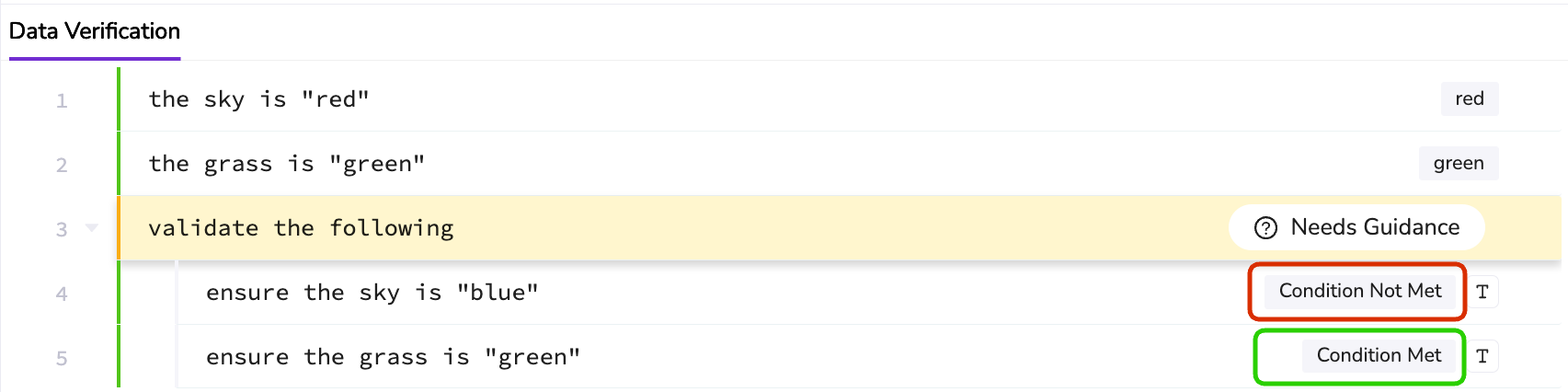
Each validation statement evaluates to **Condition Met** *(true)* or **Condition Not Met** *(false)*.
The automation proceeds when all validation statements have a *Condition Met*. However, if any statement has a *Condition Not Met*, the system raises a question, requiring you to provide guidance to proceed.
### Skipped Statements
A validation statement is marked as **Skipped** when the syntax is invalid. To avoid this, ensure the operation is a valid boolean operation supported in Kognitos.
For example, the statement above is skipped because the use of "has" is not supported in a Kognitos operation. Instead, the validation statement could be written using the `contains` keyword: `ensure the vegetables contains "broccoli"`.
***
## Providing Guidance
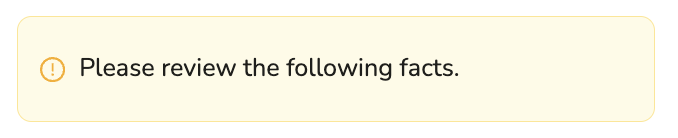
When a validation statement within `validate the following` has a **Condition Not Met**, a question is asked to **Please review the following facts**.
### Reviewing Data
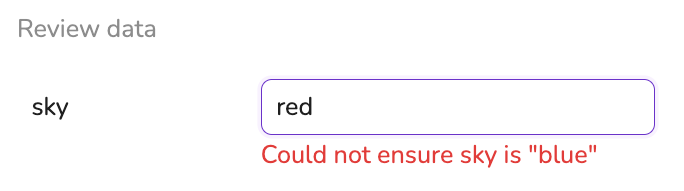
Data is listed for review in the same order it appears in the validation statements. For conditions that are *not* met, a message will appear below the data value in red, stating the failed validation.
### Manually Editing
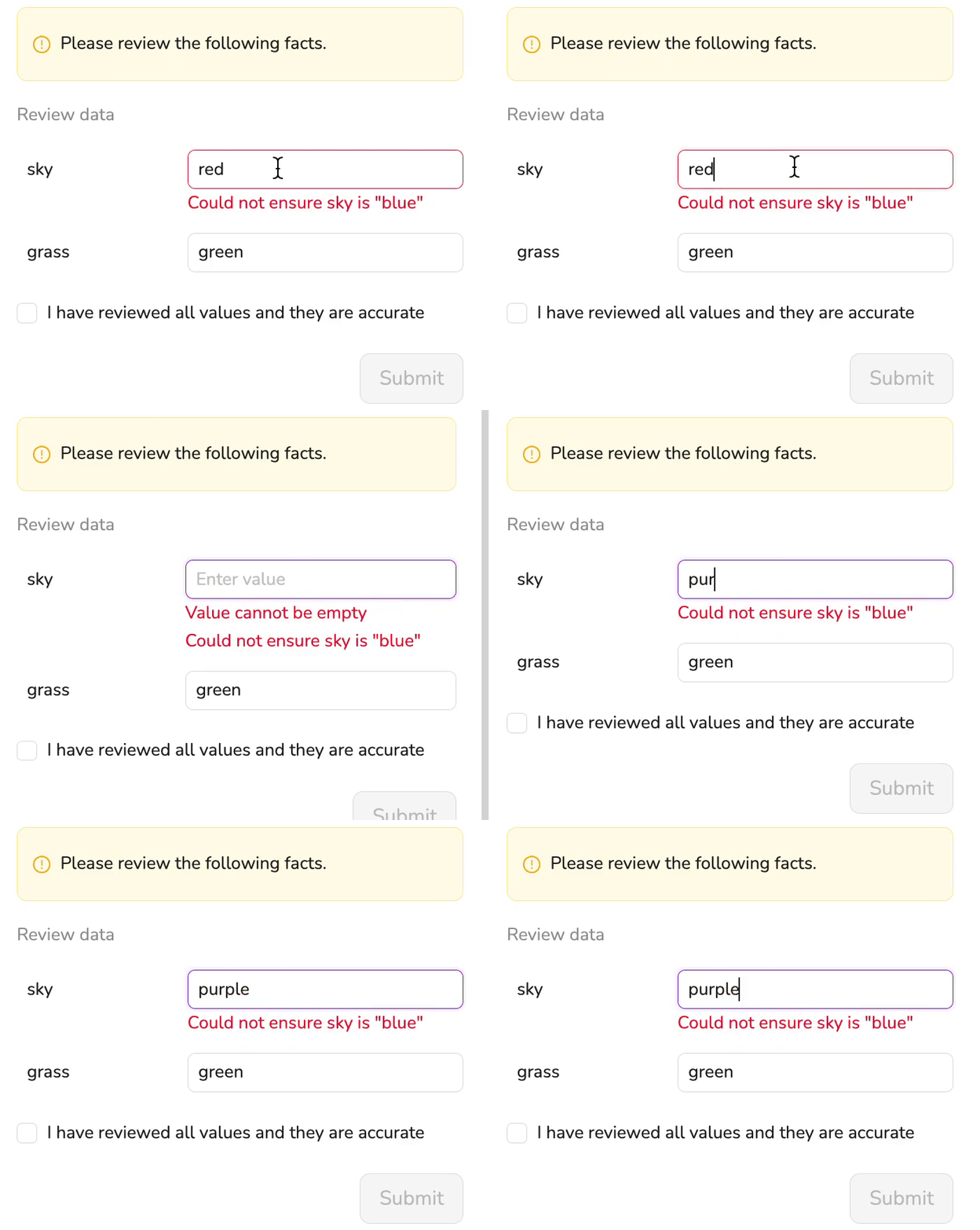
You can manually edit and override data values as needed.
### Finalizing Your Review
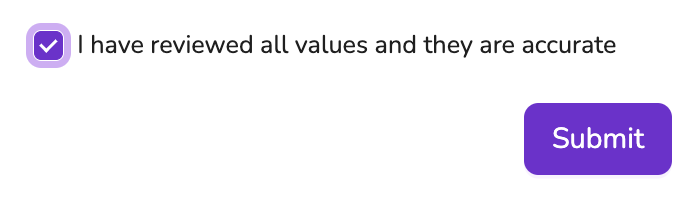
Confirm your review by checking the box labeled "**I have reviewed all values and they are accurate**". Then, click **Submit**.
***
## Spot Check Percentage
The **spot check percentage** controls the likelihood of a question being raised when all the validation statements evaluate to true. The percentage *does not* represent accuracy or error rate; it controls the probability of triggering a question.
#### Syntax
```
the department's spot check percentage is
```
#### Behavior
* If *any* validation statement **fails**, a question is always raised.
* If *all* validation statements **pass**, a question is raised based on the spot check percentage.
* Example: If the spot check percentage is 30, then there is a 30% chance that a question is raised when all the validation statements evaluate to true.
#### Example
In this example, there is a 50% chance that a question is still raised for review, since both validation statements evaluate to true.
```
the book name is "Happy Automations"
the book rating is 7.8
the department's spot check percentage is 50
validate the following
ensure the book name starts with "Happy"
ensure the book rating > 5
```