> For the complete documentation index, see [llms.txt](https://docs.kognitos.com/llms.txt). Markdown versions of documentation pages are available by appending `.md` to page URLs; this page is available as [Markdown](https://docs.kognitos.com/legacy/legacy-experience/readme/logging-into-kognitos.md).
# Logging In
Follow these steps to log into Kognitos and securely access your account.
{% stepper %}
{% step %}
#### Navigate to Login
Navigate to the Kognitos login page from your web browser.
US RegionEU RegionUK Region
{% endstep %}
{% step %}
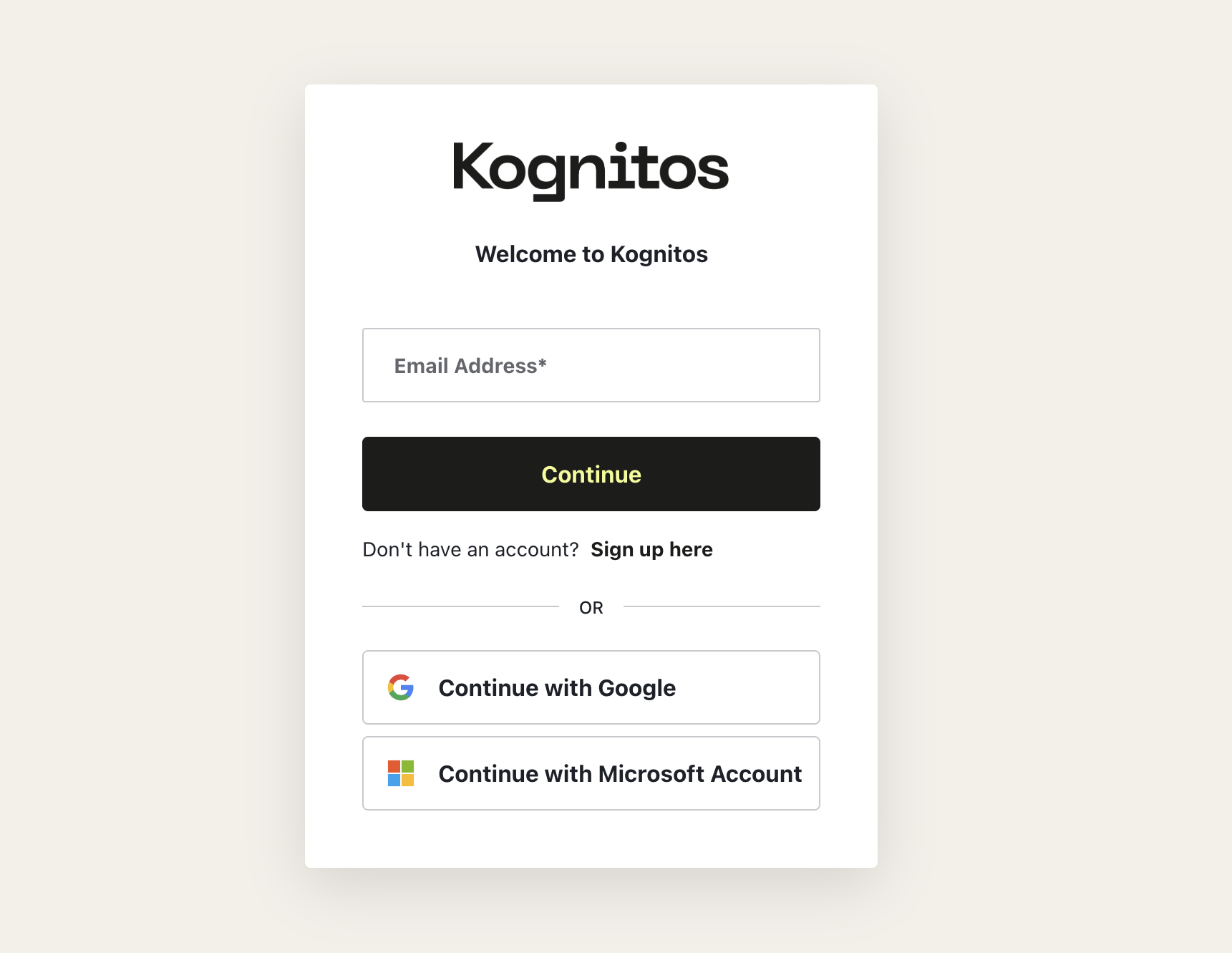
#### Enter Your Email
Enter the email address associated with your Kognitos account and click **Continue**.
*Alternatively, you can log in with Google or Microsoft.*
{% endstep %}
{% step %}
#### Check Your Email
Check your inbox for an email from Kognitos containing a 6-digit **verification code**.
{% endstep %}
{% step %}
#### Enter the Verification Code
Return to the login page, enter your verification code, then click **Continue**. The code will verify your identity and allow you to proceed.
{% endstep %}
{% step %}
#### Access Your Account
Once you’ve entered the code, you’ll be logged into the Kognitos platform.
{% endstep %}
{% endstepper %}