> For the complete documentation index, see [llms.txt](https://docs.kognitos.com/llms.txt). Markdown versions of documentation pages are available by appending `.md` to page URLs; this page is available as [Markdown](https://docs.kognitos.com/legacy/legacy-experience/books/updating-books.md).
# Updating Books
Understand when updates are needed, available, and how to update a book.
### Overview
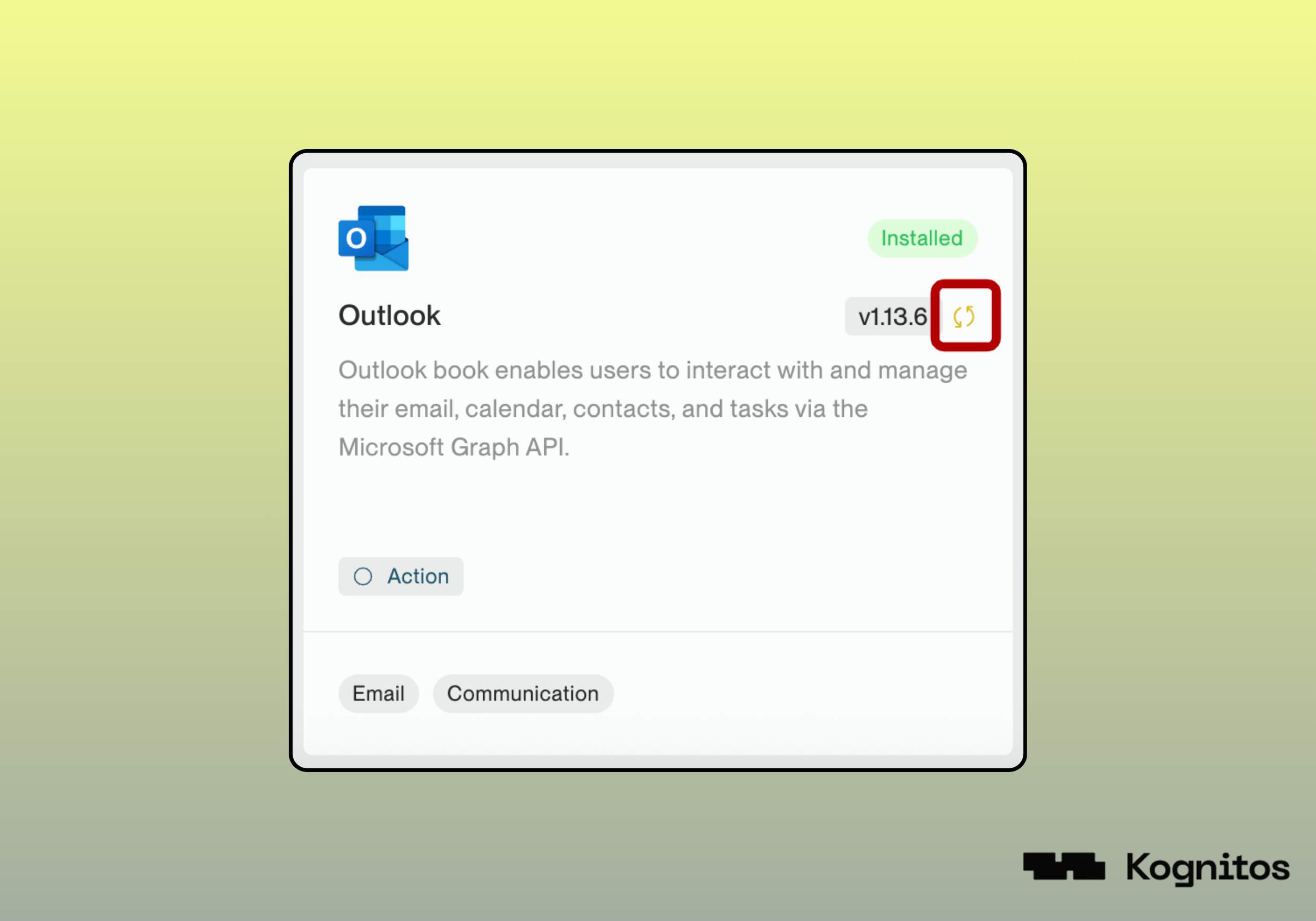
Books are **versioned** to ensure stability and reliability. You can choose to upgrade at your own pace, gaining access to enhancements without risking disruptions to your workflows. If an installed or connected book has an available update, a 🔁 icon will appear next to its current version.
### How to Update a Book
To update a book:
1. Open the [Book Details](/legacy/legacy-experience/books/all-books.md#book-details) page for a given book using one of the following methods:
1. Click on the 🔁 icon next to the installed book.
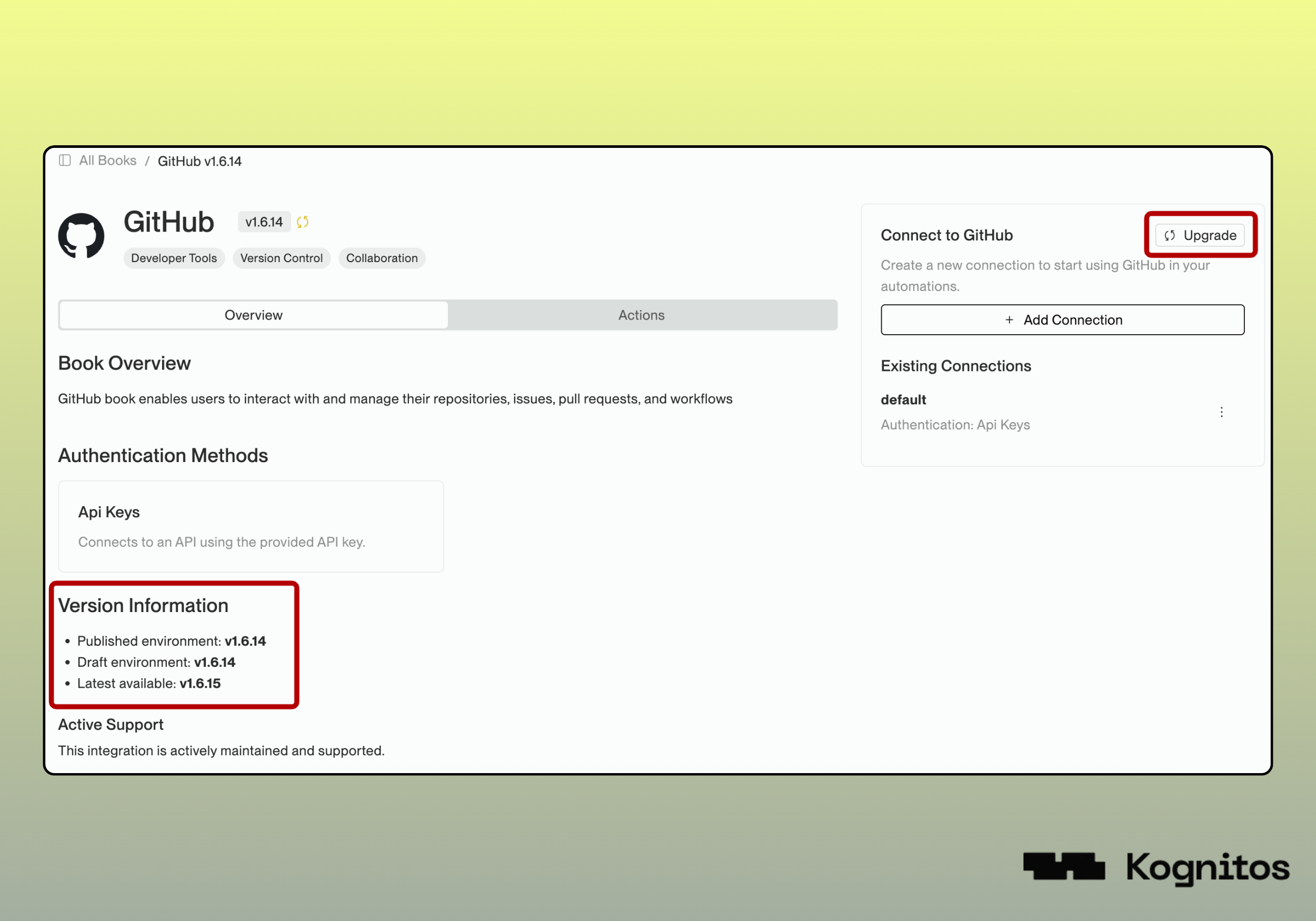
2. Navigate to **Books →** **All Books** **→ Book Name**.
3. Navigate to **Books → Connections** **→ Book Name**.
2. Click **Upgrade** to update the book to the latest version.
3. Review the changes and confirm.
{% hint style="warning" %}
To apply the updates for your published processes, you must **publish the agent** after upgrading.
{% endhint %}